
JPG to Excel Converter
Convert image text and table data into an editable Excel spreadsheet with formatting.
What is a JPG to Excel Converter?
A JPG to Excel Converter is an online tool that converts tabular data from an image into editable spreadsheet data. It uses OCR technology to detect table data in your images. You can convert a photo of a printed invoice or a screenshot of a table into a clean, editable Excel (XLSX) file with words, numbers, and columns captured.
How to use this JPG to Excel Tool?
Using our converter is easy. Just follow these steps:
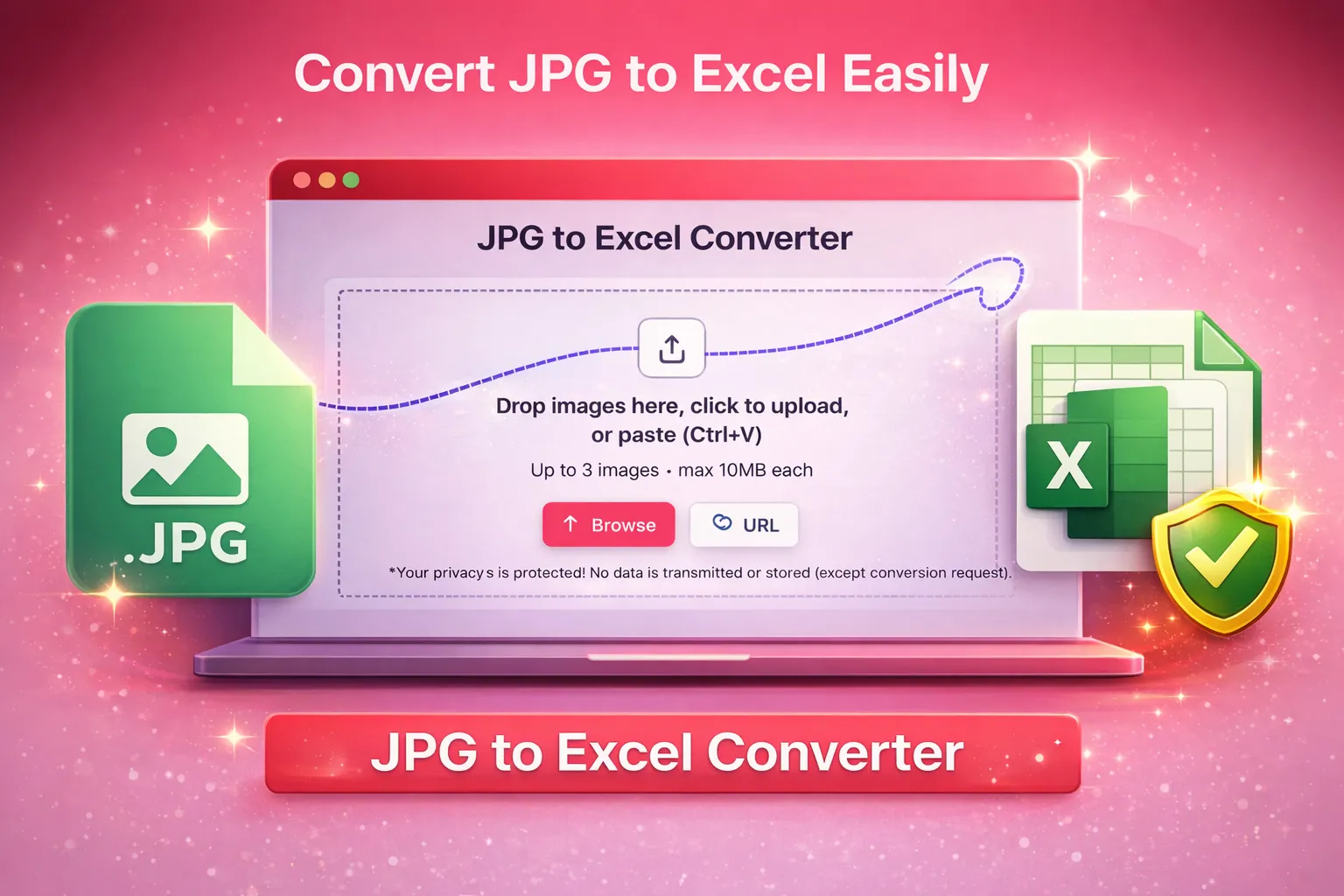
Upload your image using one of the available methods (drag & drop, browse, paste, or image URL).
Click the “Convert” button to start JPG to Excel conversion.
Preview the data in tabular form and edit if needed.
Download the Excel (XLSX) file to your device.
Why choose our Image to Excel Converter?
Our tool stands out from others with the combination of the following advanced features:
OCR Accuracy.
We use the best OCR algorithms to recognize text and tables in your images with precision. Even columns, headings, and number formats are detected, so the output matches the original layout.
Fast Conversion.
The Image to Excel conversion happens instantly on our cloud server. You will get the converted XLSX file within a few seconds.
User-Friendly Interface.
The JPG to Excel converter is designed with a simple, intuitive interface. Anyone can follow on-screen instructions without technical knowledge and convert images into excel files.
Bulk Processing
Save time by converting multiple images at once. Upload a batch of photos or scanned pages and convert each image into an Excel file.
Multi Format Support
While it’s named JPG to Excel, we also support PNG, JPEG, BMP, GIF, WebP, HEIC, and more upload any supported image format and convert it into an editable Excel file.
Secure and Accessible
Your data is processed over secure channels and is not stored or shared. Use the converter anywhere on mobile, tablet, or desktop—no installation needed.
Who needs to convert JPG to Excel?
Converting images to Excel is useful in multiple professions and tasks. We have mentioned some of the best use cases below:
Accountants & Bookkeepers
Quickly pull numbers from scanned invoices, receipts, purchase orders, or tax forms. Instead of retyping figures, extract financial data into Excel so you can audit, report, or sum totals in seconds.
Students & Researchers
Turn tables and data charts into editable spreadsheets. This makes it easy to analyze data, create graphs, or perform calculations without manual entry.
Business Owners
Transform sales reports, inventory lists, or expense logs into Excel. Convert a photo of a printed report into a spreadsheet for accounting, inventory management, or analysis.
Educators & Administrators
Digitize class records, attendance sheets, and grade tables using this JPG to Excel tool. Converting photos into Excel saves hours of effort and reduces record-keeping errors.
Data Analysts
Extract data from screenshots or scanned graphs and import it into analysis tools or pivot tables. This speeds up tasks like reviewing survey results or compiling metrics.
More Tools
Explore more quick converters built in the same simple style.
Frequently Asked Questions
We have already answered the frequently asked questions about this JPG to Excel Converter below:
Why do I need to convert images into Excel?
You need to use this tool if you deal with tabular data on a regular basis. It can extract tables from images and convert them into a Microsoft Excel file with high precision. This process can save a lot of your precious time.
Is the conversion secure?
All conversions are done via secure connections. We do not store your images or data after conversion. Your files are deleted from our servers immediately once the process is complete, so only you have access to the output file.
Will the Excel keep my table layout and formatting?
Yes. Our OCR system is designed to recognize rows, columns, and cell boundaries in your image and preserves the original layout as much as possible. Some manual adjustments might be needed if the image is skewed or low quality, but most table structures are converted accurately.