JPG to Word Converter
Convert Images to editable word document using free JPG to Word Converter. Fast and Secure Processing.
What is a JPG to Word Converter?
A JPG to Word Converter is an online tool that helps convert image files into editable Word documents. It extracts readable text from JPG or JPEG images and turns it into a Word file that can be edited, copied, or shared easily.
This tool is useful when text is stored in images such as scanned documents, photos of papers, screenshots, or printed pages. Instead of typing everything again, you can convert JPG to Word in seconds and continue working without losing time.
How to use this JPG to Word Tool?
Using this tool is simple and does not require any technical knowledge. Follow these steps:
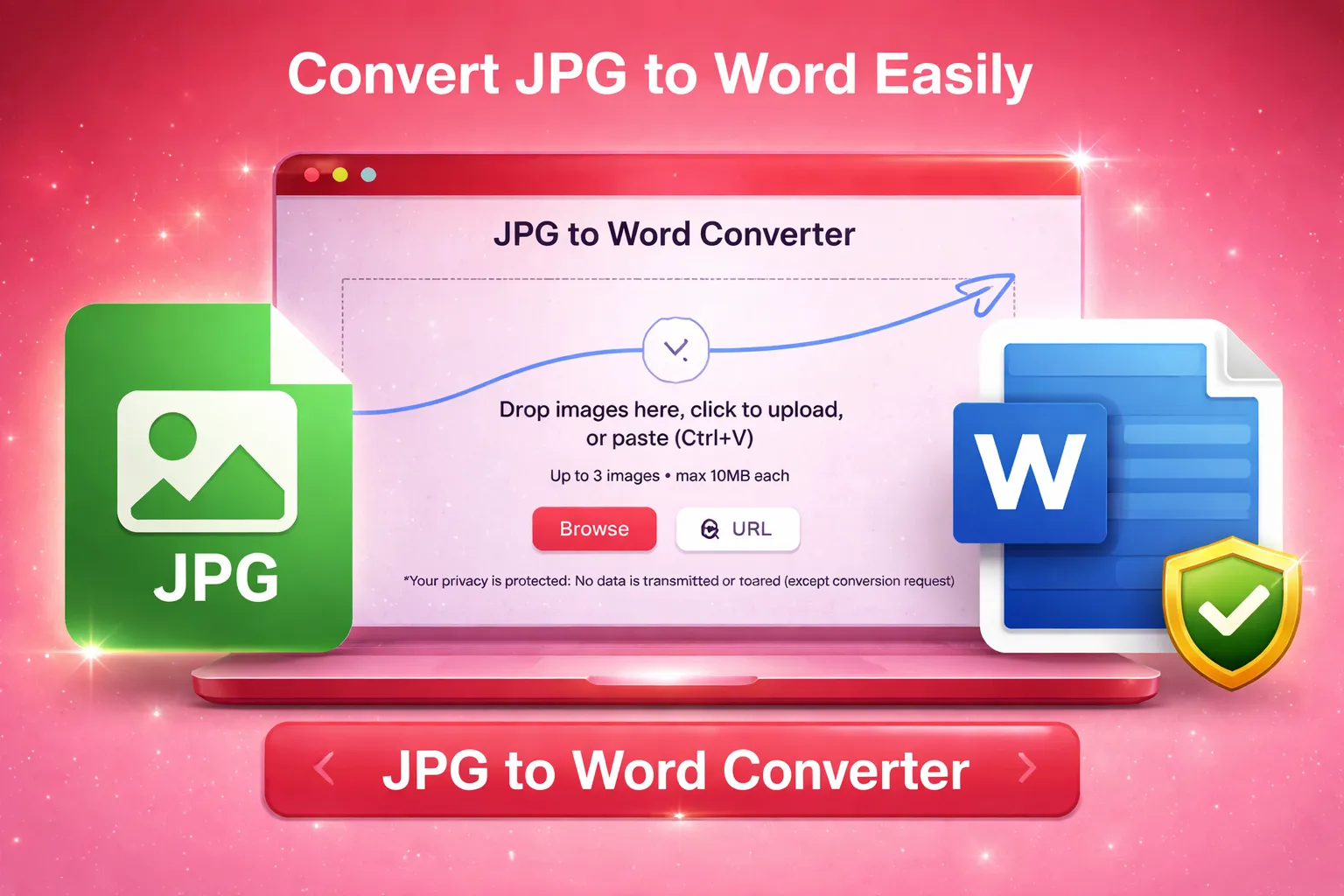
Upload your images from your device.
The tool scans the image and detects the text automatically.
Preview the extracted text for accuracy.
Convert the image into a Word document.
Download the editable Word file instantly.
Why choose our Image to Word Converter?
The unique features are as follow, created to deliver accurate and reliable results.
Accurate Text Detection
The JPG to Word converter uses advanced OCR technology to read text clearly from images, even from scanned or photographed documents.
Strong Data Security
Your uploaded images are processed securely. Files are not stored permanently or shared with anyone, keeping your data private.
Easy to Use
The interface is clean and user-friendly, making it easy for anyone to convert image to Word without confusion.
Fast Conversion
You can convert JPG to Word within seconds, even for larger images or long documents.
Supports Multiple Image Formats
Along with JPG, the tool also works with other common image formats like PNG, WebP, SVG, etc.
No Software Installation
This photo to Word converter runs completely online. No downloads, plugins, or setup are required.
Editable Word Output
The converted file is fully editable in Microsoft Word or Google Docs, allowing easy formatting and updates.
Works on All Devices
Use this pic to Word tool on desktop, tablet, or mobile without any limitations.
Who needs to convert JPG to Word?
There is no restriction on someone to use this tool, but the best use cases are as follow:
Students
Students can convert textbook pages, scanned notes, or handwritten assignments into editable Word files for study or submission.
Office Professionals
Office users often receive documents as images. This JPG to Word converter helps them edit reports, letters, and forms easily.
Data Entry Experts
Data entry professionals save time by converting image text directly into Word instead of typing manually.
Teachers and Educators
Teachers can convert scanned papers, notes, or question sheets into Word documents for reuse and editing.
Business Owners
Business documents like invoices, agreements, or printed records can be converted into Word files for better management.
Writers and Researchers
Researchers can extract text from screenshots or photos and continue editing in Word without retyping content.
More Tools
Explore more quick converters built in the same simple style.
Frequently Asked Questions
We have already answered frequently asked questions by the users of our JPG to Word Converter below:
Why convert JPG to Word?
Converting JPG to Word allows you to edit, copy, and format text easily. It removes the need for manual typing and saves time.
Is this JPG to Word converter free to use?
Yes, the tool can be used online without installing software. Basic usage is available for free.
Can I convert scanned images to Word?
Yes, scanned documents work well. The image to Word converter extracts readable content accurately.
Will the converted Word file be editable?
Yes, the output file is fully editable and can be opened in Microsoft Word or Google Docs.
Is my data safe during conversion?
Your files are processed securely and not stored permanently, ensuring privacy and data protection.
What images give the best results?
Clear images with readable text provide the best output. High-quality photos and scans improve accuracy.