JPG to PDF Converter - Merge JPGs
Combine Images into a single PDF or Convert them into seperate PDFs according to your requirement.
How to use this JPG to PDF converter?
Using a JPG to PDF converter is simple and requires only a few quick steps:
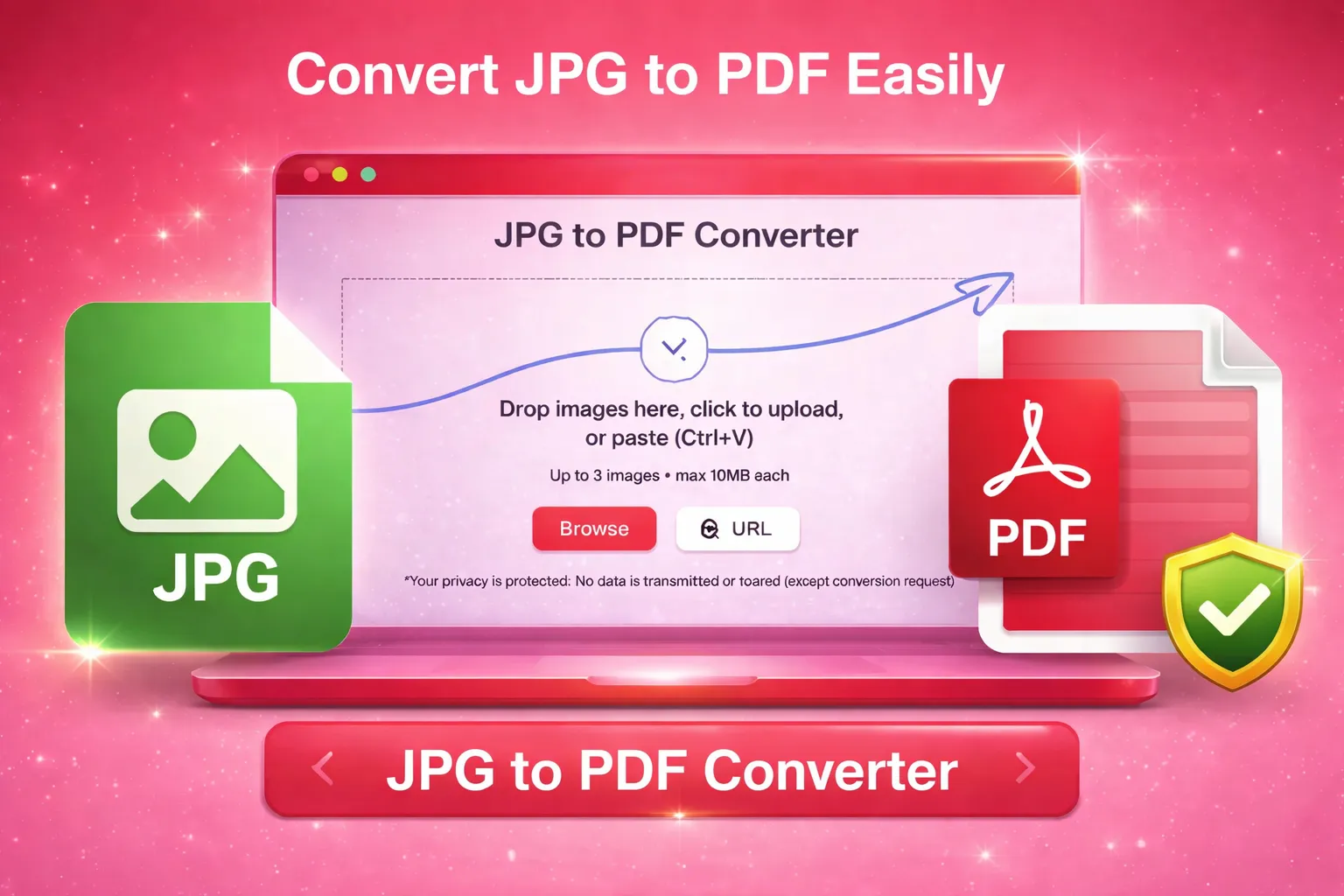
Upload Images from your device.
Arrange the pictures in the preferred order.
Click the “Convert” button to start the process.
Select the “Merge Images” option to combine JPGs into a PDF.
Download the final PDF document.
Features
The outstanding features of this tool are mentioned below:
Fast Image Processing
The JPG to PDF converter processes image files quickly. Even multiple pictures can be converted within seconds without slowing down the workflow.
Supports Multiple Image Formats
This Image to PDF Converter supports all common image formats, including JPG, JPEG, PNG, WebP, BMP, JFIF, and GIF.
Batch Conversion
You can upload several images at once and merge them into a single PDF file. This feature is helpful when combining photos, scanned pages, or screenshots.
Image Order Control
The tool allows users to rearrange pictures before conversion. This ensures the final PDF appears exactly in the desired order.
High Quality Output
The picture to PDF converter keeps the original image clarity when converting photos to PDF. This helps maintain readable documents and clear visuals.
Secure File Processing
Images uploaded to the tool are processed securely. Files are deleted instantly after the conversion to maintain privacy and data protection.
Why this Image to PDF converter?
| Benefit | Description |
|---|---|
| Easy Document Creation | Users can turn multiple images into a single PDF file for easier sharing and storage. |
| Organized File Management | Converting pictures to PDF keeps documents structured and easier to manage. |
| Faster Workflow | The JPG to PDF converter eliminates manual steps when preparing documents from images. |
| Compatible with Devices | PDF files can be opened on almost any device without formatting issues. |
| Ideal for File Sharing | A single PDF file is easier to send through email or messaging platforms. |
| Preserves Image Quality | The converter maintains the original image resolution during conversion. |
| Reduces File Clutter | Instead of multiple image files, everything is combined into one organized PDF document. |
Where to Use this Photo to PDF Tool?
Document Archiving
Organizations often store scanned documents as images. Converting them into PDF format helps maintain structured digital archives.
Office Documentation
Employees can convert screenshots, scanned forms, or receipts into a single PDF file for documentation purposes.
Educational Material
Students and teachers may combine lecture notes, diagrams, or book pages into a single PDF for easier study.
Online Submissions
Many applications require documents to be submitted in PDF format. Converting images into a PDF simplifies this requirement.
Business Reports
Businesses sometimes capture information through photos or scans. The photo to PDF tool helps combine these images into reports.
Digital Records
Companies often keep digital copies of invoices or paperwork. Converting pictures to PDF makes these records easier to manage.
Image Collections
Users can merge images into a PDF to organize photo sets such as project screenshots or visual presentations.
Legal and Administrative Work
Professionals dealing with forms and contracts often convert image scans into PDF documents for official use.
Personal Document Storage
Individuals can combine photos of documents such as ID cards, certificates, or notes into one PDF file for safe storage.
Who can use JPG to PDF Tool?
Journalists
Journalists often collect visual information from different sources. Converting images into a single PDF helps organize research material and reference documents.
Students
Students frequently capture notes or book pages with their phones. The JPG to PDF converter allows them to combine these images into a study document.
Teachers
Educators can create PDF files from images of worksheets, assignments, or learning materials.
Office Professionals
Employees working with scanned files or screenshots can merge images into a single PDF for reports or presentations.
Researchers
Researchers may collect images of charts, notes, or documents. Converting these into a PDF helps organize the information for later review.
Freelancers
Freelancers who share visual work samples or documentation can combine images into a single PDF file before sending them to clients.
More Tools
Explore more quick converters built in the same simple style.
FAQs
Do I need to register for converting Images to PDF?
No, Login or Sign up are not required to convert images to PDF.
Why should I convert an image to a PDF?
PDFs allow the storage of multiple images within a single file, unlike most image formats, which typically contain only one image.